YAL Afterschool Program
(September 19th 2022 - May 25th 2023)
Y.A.L. Partnership
This is our second program made possible by the Snap Foundation and its partnership with the LA2050 organization. (See results of the first program: here!) Together they pledged to support projects that develop pathways to the creative economy for underrepresented youth in Los Angeles. We were both grateful and honored to receive $75,000 in financial support for our Computer Science enrichment classes designed to target the young people of South Los Angeles.
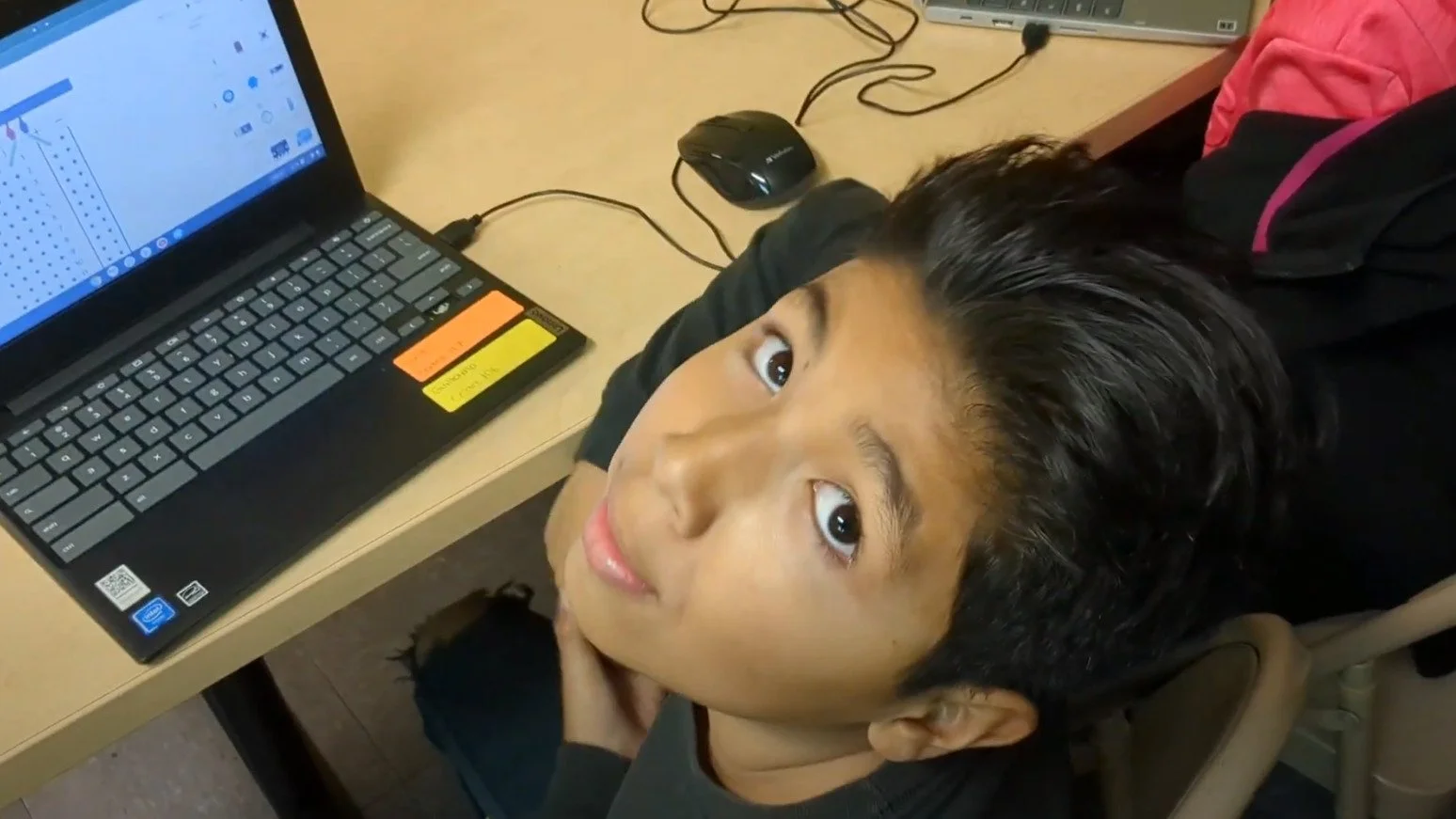
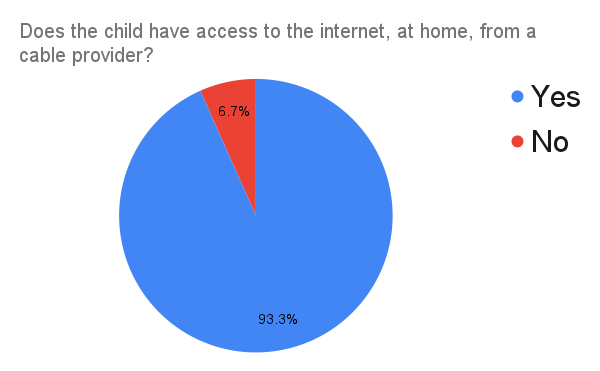
Our program supported 30 afterschool students in Compton, CA. We offered our workshops in-person to students who were members of the Compton Sheriff's Youth Activities League. We were able to accommodate members who expressed strong interest in technology. 100% of our students resided in the Compton area. Our students were given access to brand new Chromebook laptops, electronic circuitry kits and hi-speed wireless internet to enable the learning experience. We split our young coders into 2 sections. One section for our 7-12 year old students and another section for our 13-17 year old kids. All of our students were exposed to the Java programming language, electronic circuits exercises, the PlayCanvas game development platform and MIT’s Scratch visual programming environment. The guided and structured exposure to these development platforms resulted in students developing a can-do confidence and a passion for technology. We are proud of the positive impact that our instructors impart on our young scholars. Please join us in celebrating the outstanding educational and creative accomplishments of our young scholars! Well done, Compton. Well done!
Equipment
In an ambitious endeavor to foster digital literacy and ignite students' passion for Computer Science, we equipped our young people with Chromebook laptops, 3-button mice, hotspots, and circuit kits in a small classroom setting. The provision of laptops offered students a powerful tool to access a vast array of web-based educational resources. The use of a 3-button mouse is essential for navigating 3D game authoring platforms and the creation of 3D digital content. Our connectivity infrastructure consisted of two high bandwidth T-mobile hotspots. These mobile data devices ensured students had reliable internet to study, build and collaborate online.
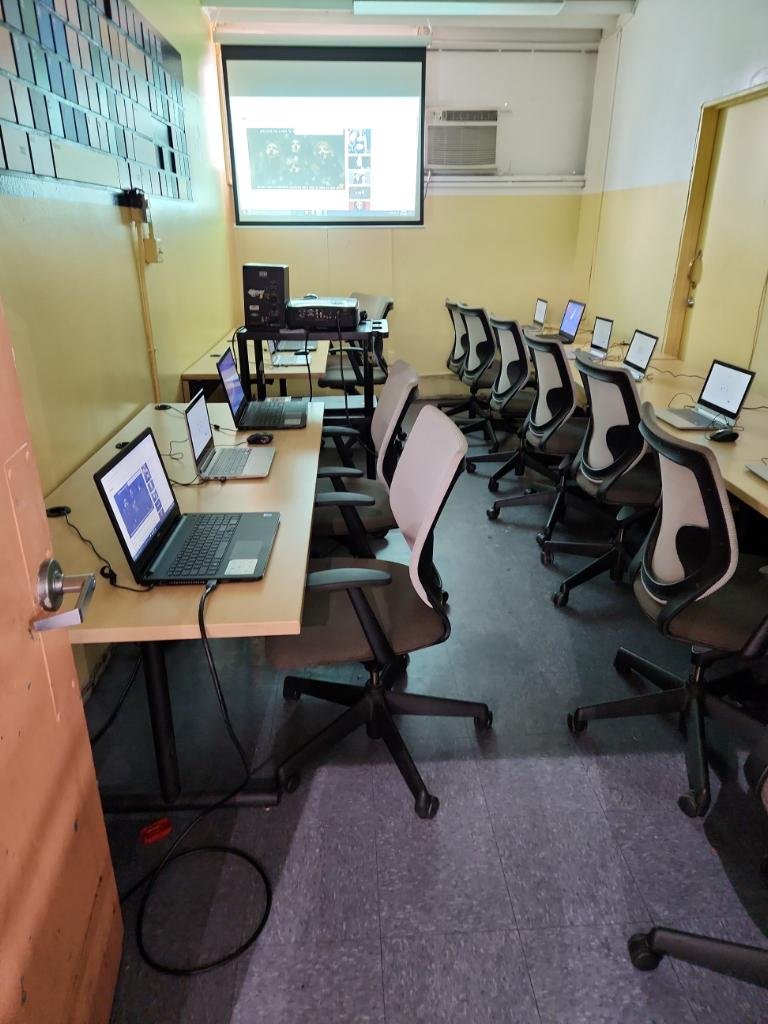
Algorithm & Flow’s coding lab build for the YAL afterschool program.
The inclusion of circuit kits shifted their focus from software to hardware, allowing them to delve into the world of electronics and hands-on experimentation. The classroom's projector became a window to shared content, fostering collaborative learning and facilitating visual engagement. Through this comprehensive array of resources, we aimed to empower students to become active creators and problem solvers. Our goal is to prepare them for the challenges and opportunities of the digital age and beyond.
We would like to extend a very special thanks to Ms. Angelica Garcia, the head of operations at the Compton Sheriff’s Youth Activities League. Her dedication to young people enrolled in the after school program was invaluable. She help make sure our students were fed and attending class labs & lectures with a spirit of excellence.
Our Students
All of our students were members of the Compton Sheriff’s Youth Activities League located at 700 North Alameda Street in Compton, California. In the past, we required our students to complete a logical reasoning test and fill out a detailed application/survey. However, the Y.A.L. staff was concerned that many of the students’ parents/guardians would not have a strong enough mastery of the English language to complete our standard online application process. So, we abandoned the formal application and allowed the Y.A.L. staff to select the Algorithm & Flow participants. The children attend neighboring schools and are enrolled in additional Y.A.L. after school classes; which include boxing, music production, chess and homework tutoring. Our computer science curriculum was a new and welcomed addition to the Y.A.L. after school offerings.
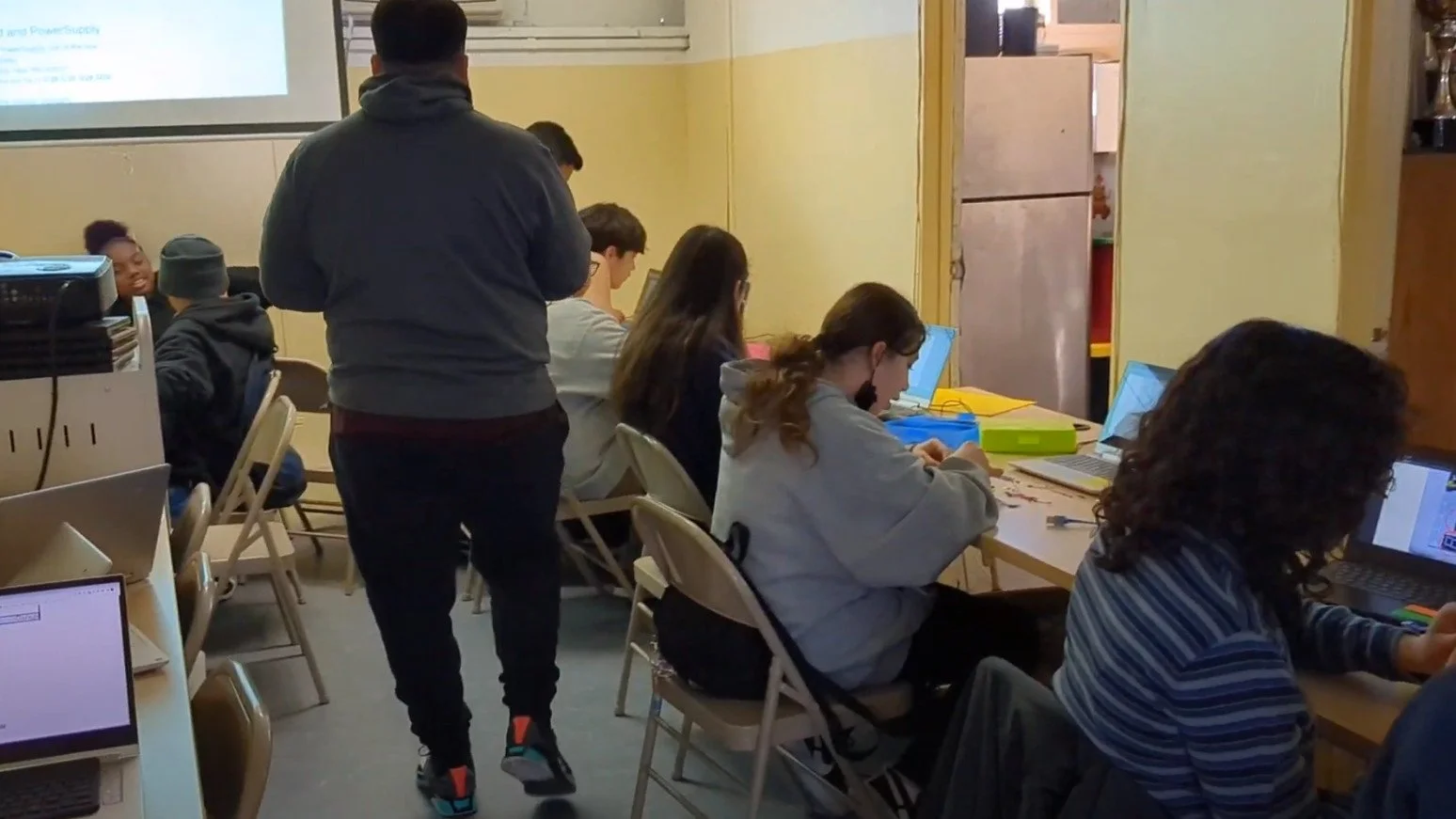
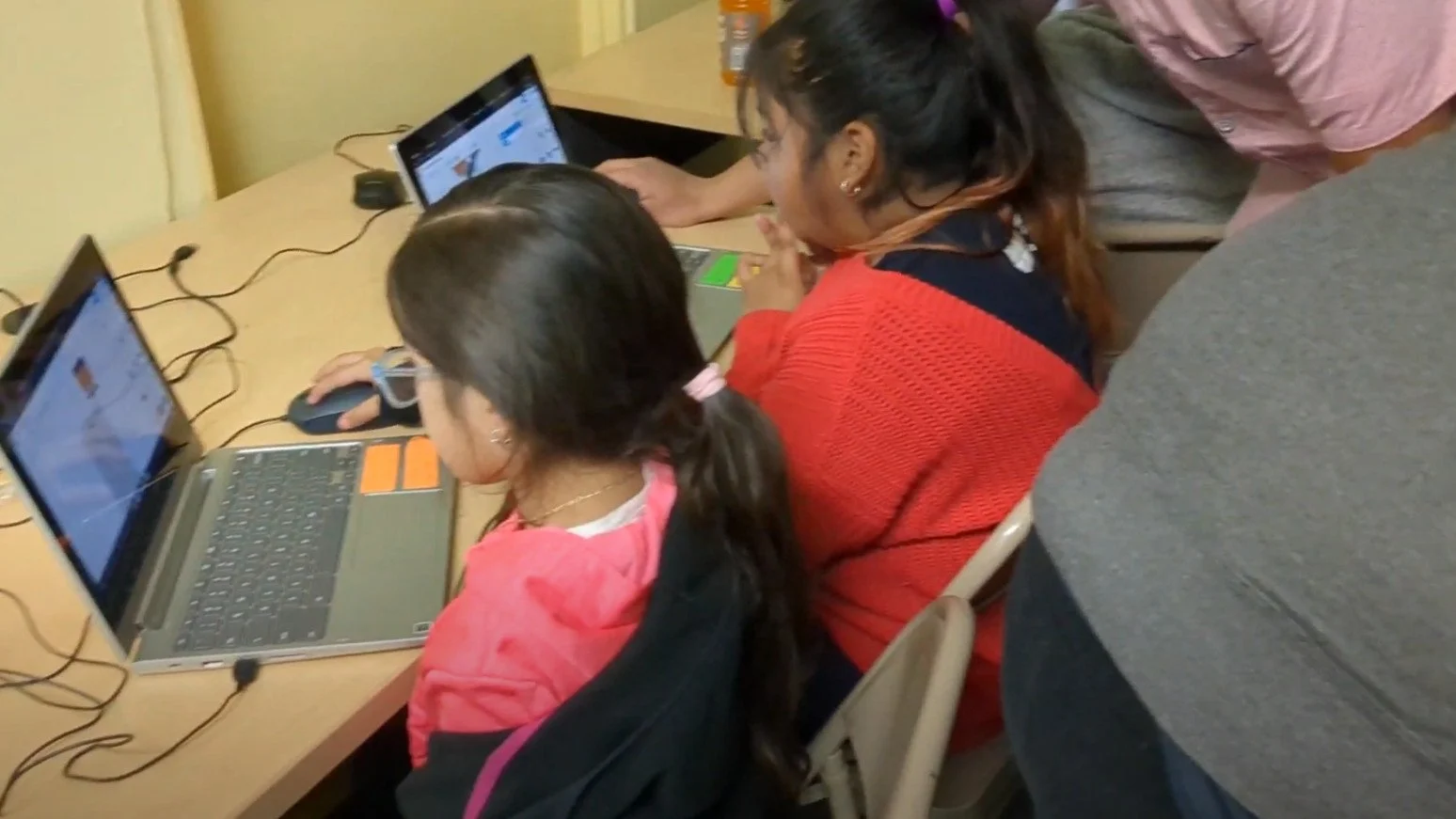
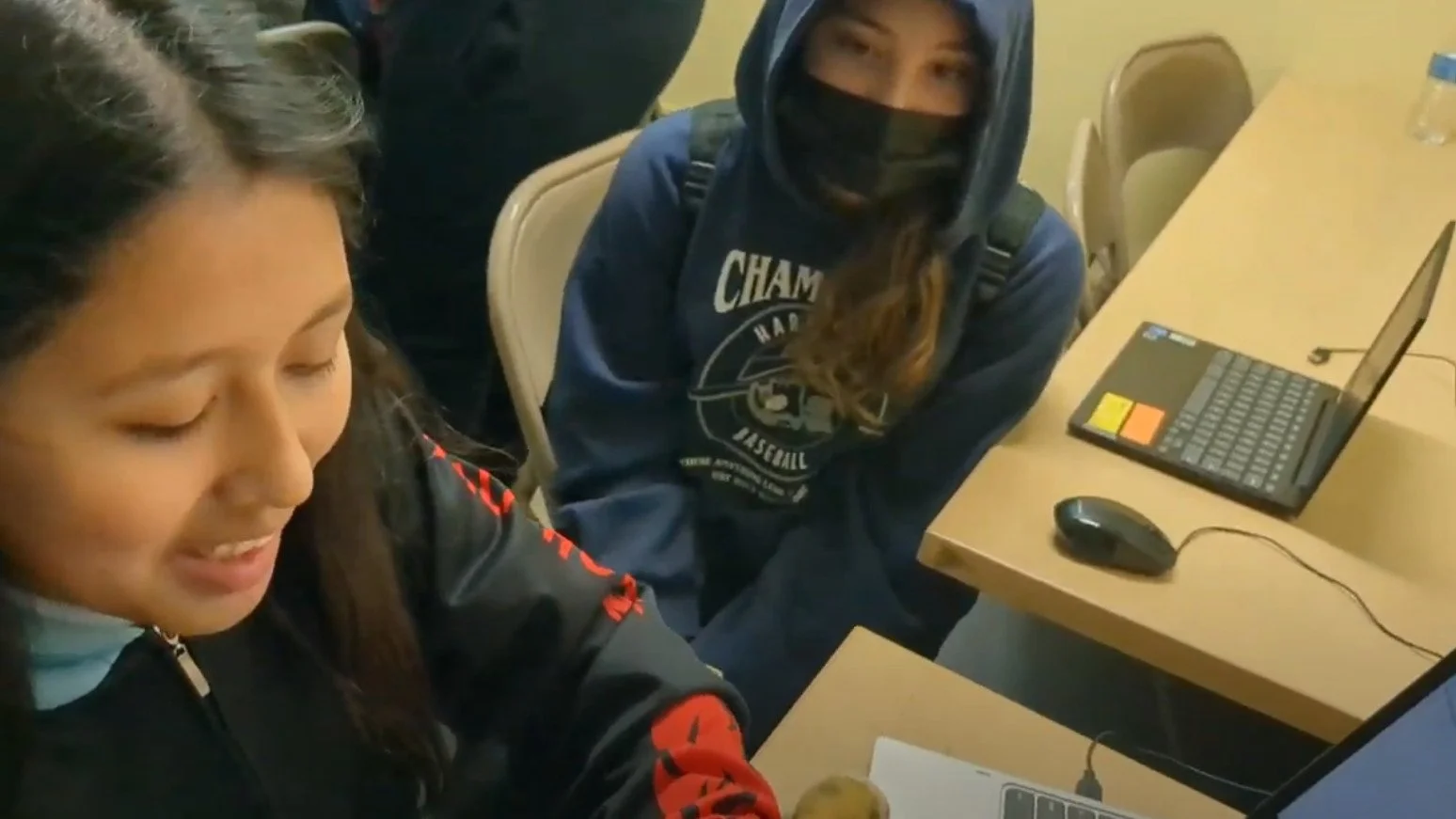
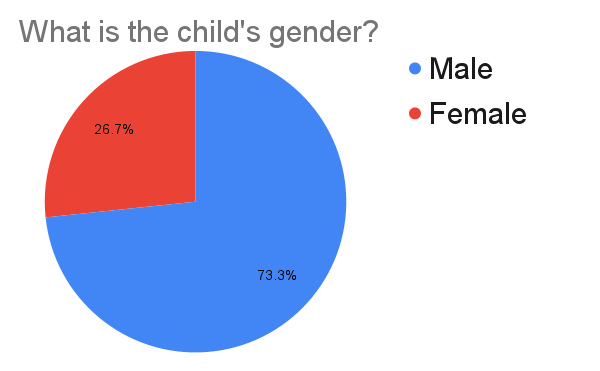
We organized students into two sections. There was a Youth Section, consisting of 15 students, who ranged in age from 7-12 and a Teen Section, with 15 students, who ranged in age from 13-17. The children met for an hour twice a week.
The students enrolled in this program come from challenging backgrounds where they have had limited exposure to technology and lack familiarity with its potential. Our primary aim is to expose them to the world of technology and unlock their hidden potential. After participating in the program, we have witnessed a remarkable transformation in some students who have developed a newfound passion for technology. They have expressed their desire to create their own games and websites. By providing them with the necessary resources and guidance, we have uncovered a hidden treasure in their back pocket that they never knew existed.
Our StAFF
We would like to recognize the generous contribution of the Faithworks Compton organization for providing a nonprofit structure for our program. We would especially like to call out Anjetta Venters-Bowles for her relentless efforts toward the financial health of our program operations. We couldn’t have serve the community properly without this assistance. We are very grateful.
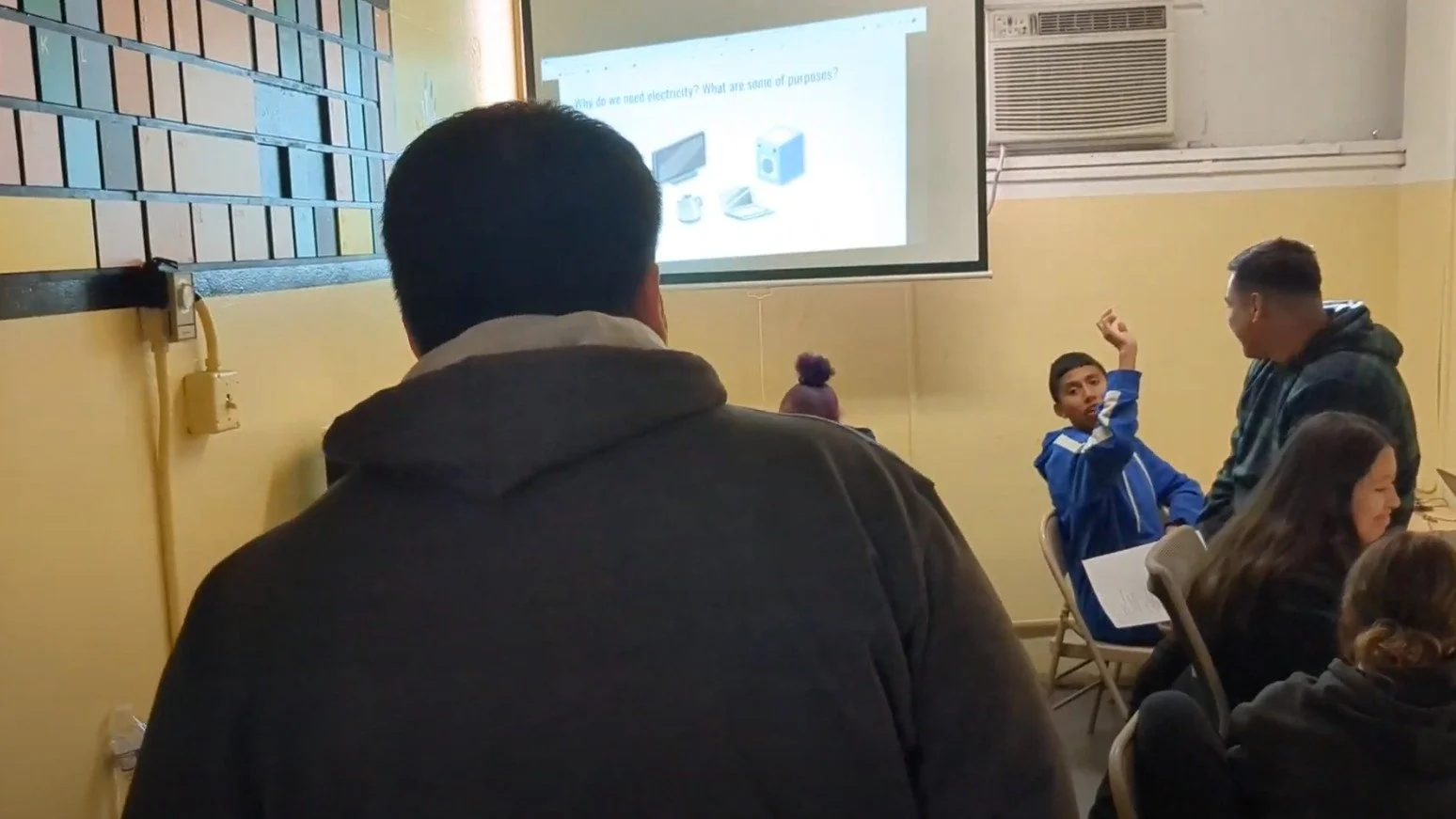
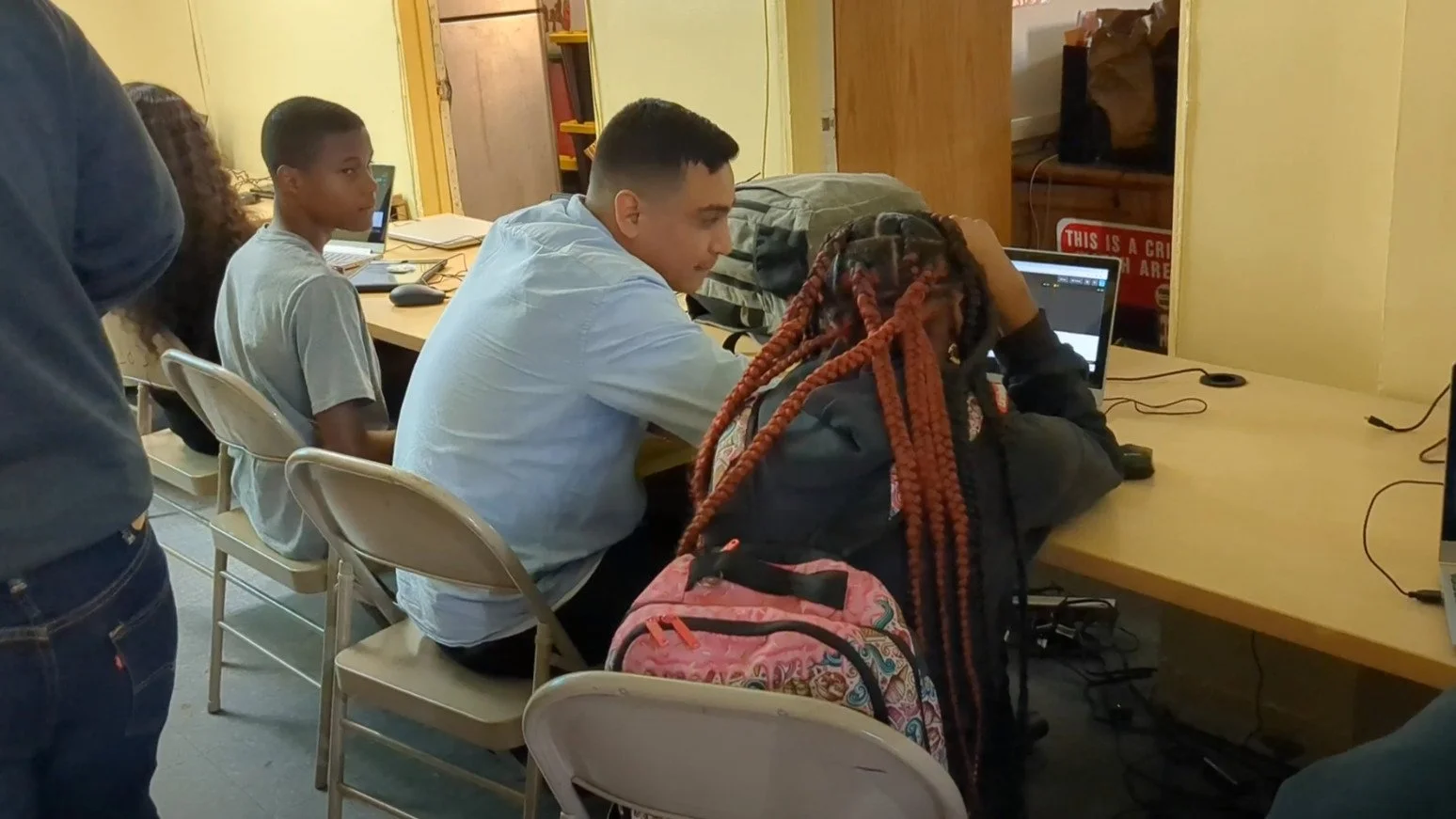
All of our instructors (David Sanchez & Chris Jimenez) have had formal training in the fundamental principals and practices of Computer Science. They leveraged their tech degrees and teaching desires to sew a seed in the next generation of software developers. They delivered in-person labs and lectures to our students. Our students had access to them during class-time and in the Google Class chat interface. I am proud of the support structure they built to empower our student body.
David Sanchez attended Cal State LA College of ECST where he majored in computer science. Recently he worked for his alma mater (Cal State LA) as Teacher Associate with responsibilities that included teaching the basics of Python and Java programming to students pursuing a degree in Computer Science.
Before coming to Algorithm & Flow, Chris Jimenez studied computer science at California State University Monterey. Previously, he worked with KIPP SoCal Public Schools administering an after-school program where he helped maintain a creative, nurturing and safe learning environment.
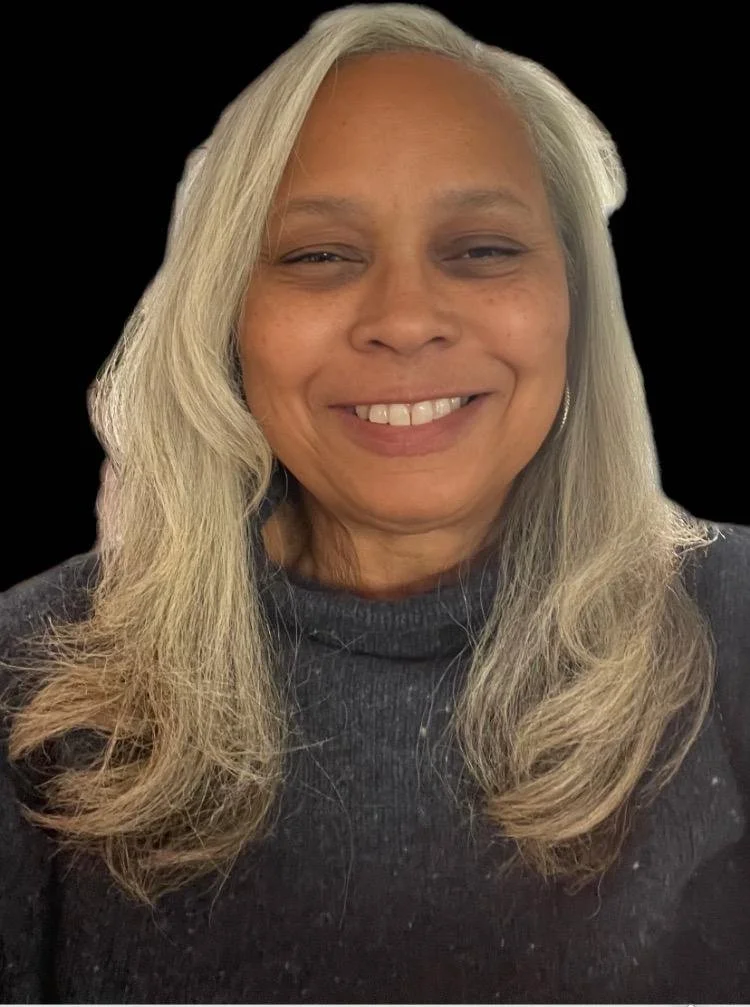
Anjetta Venters-Bowles (Faithworks Treasurer)

Kwesi Davis (Program Director & Instructor)

David Sanchez (Coding Instructor)

Chris Jimenez (Coding Instructor)
THE Community We Serve
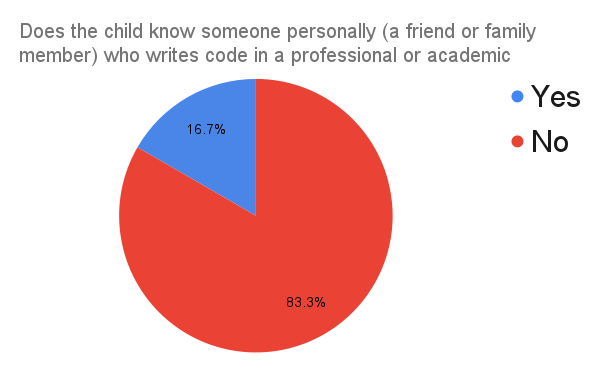
We observed many similarities between the families we supported during the pandemic (in our previous program) and the communities served by the Y.A.L. after school program. Both groups had low exposure to people who have experience with computer science. A whopping 83% of the students had no relationship with anyone who had studied coding. This lack of exposure puts them at an extreme disadvantage for receiving technical assistance or social support from friends and family.
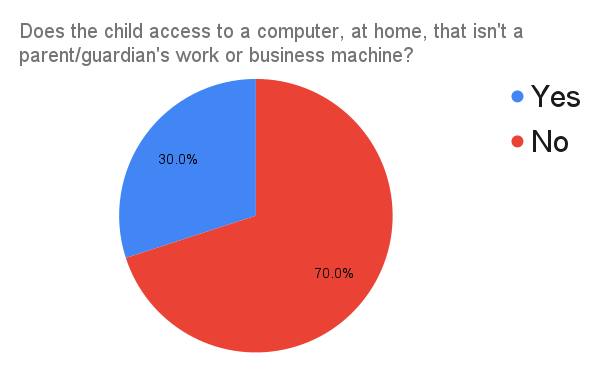
The Y.A.L. families also had poor access to computing devices in the home. Most of our students’ homes, precisely 70%, did not have a computer available to them. So, even if a child becomes excited and intellectually stimulated by the concepts he/she is exploring in class, they cannot continue that exploration, when they have spare time, at home and/or on the weekends. During the pandemic, we gave each student a laptop to take home and parents raved about how their kids spontaneously jumped on the computer to continue working outside of class.
Despite these obstacles, the students of Compton possess immense potential and resilience. Through initiatives like the Algorithm & Flow computer science class and the Youth Activities League after school program, we can provide a safe and supportive environment where students can engage in educational activities, receive mentorship, and gain exposure to opportunities they may not have encountered otherwise. These programs play a vital role in empowering the students, encouraging them to overcome their circumstances and strive for a brighter future. We are breaking the cycle of generational limitations.
Lessons Learned
The younger students, ages 7-12, enjoyed using Scratch. They created interactive games by simply dragging and dropping blocks of code. The simplicity of Scratch encouraged them to experiment, problem-solve, and express their ideas in a fun and engaging way.
PlayCanvas provided a platform for the more advanced students, ages 13-17, to dive into the world of 3D game development. While the experience of playing the games they created was undoubtedly enjoyable, the students derived equal satisfaction from the process of actually building their own games.
Java programing syntax took center stage as the most crucial topic in our sessions. We prioritized dedicating time to teach its fundamentals in an enjoyable and approachable manner. To aid the learning process, we leveraged a range of resources, including W3 Schools and the Google Shell (Unix-based environment). These tools enabled us to explore Java's intricacies and empower students to grasp the language's fundamental principles while engaging our students in interactive and hands-on activities.

All of our students studied the following core concepts of the Java programming language:
declare/initialize numeric & string variables
increment/decrement variables by some arbitrary amount
know the relational & logical operators
construct an If-statement
construct a For-loop
populate & iterate an array
define/call a function
define/instantiate a class object
compile/execute a Java application
Some of the game tutorials we used during the program are listed below. We believe in opensource community concepts. All of our lessons are free and available for the general public to exploit and enjoy. Feel free to contact us and collaborate with us.
Scratch: https://scratch.mit.edu/

Playcanvas: https://playcanvas.com/

CodePen: https://codepen.io/
Scratch Projects
These lessons demonstrate how to move sprites, author costumes, handle events, play sounds, design logical flow control, use hardware sensor data, create data variables and digitally paint pictures.
Playcanvas Projects
These tutorials show students how to use transforms, rotations and scale and how to setup rigid body physics, colliders, character state-machines and keyboard interaction.
CodePen Projects
These tutorials show students how to declare & define web components, design style sheets & implement interactive sites with JavaScript.
CIRCUITS LABORATORY
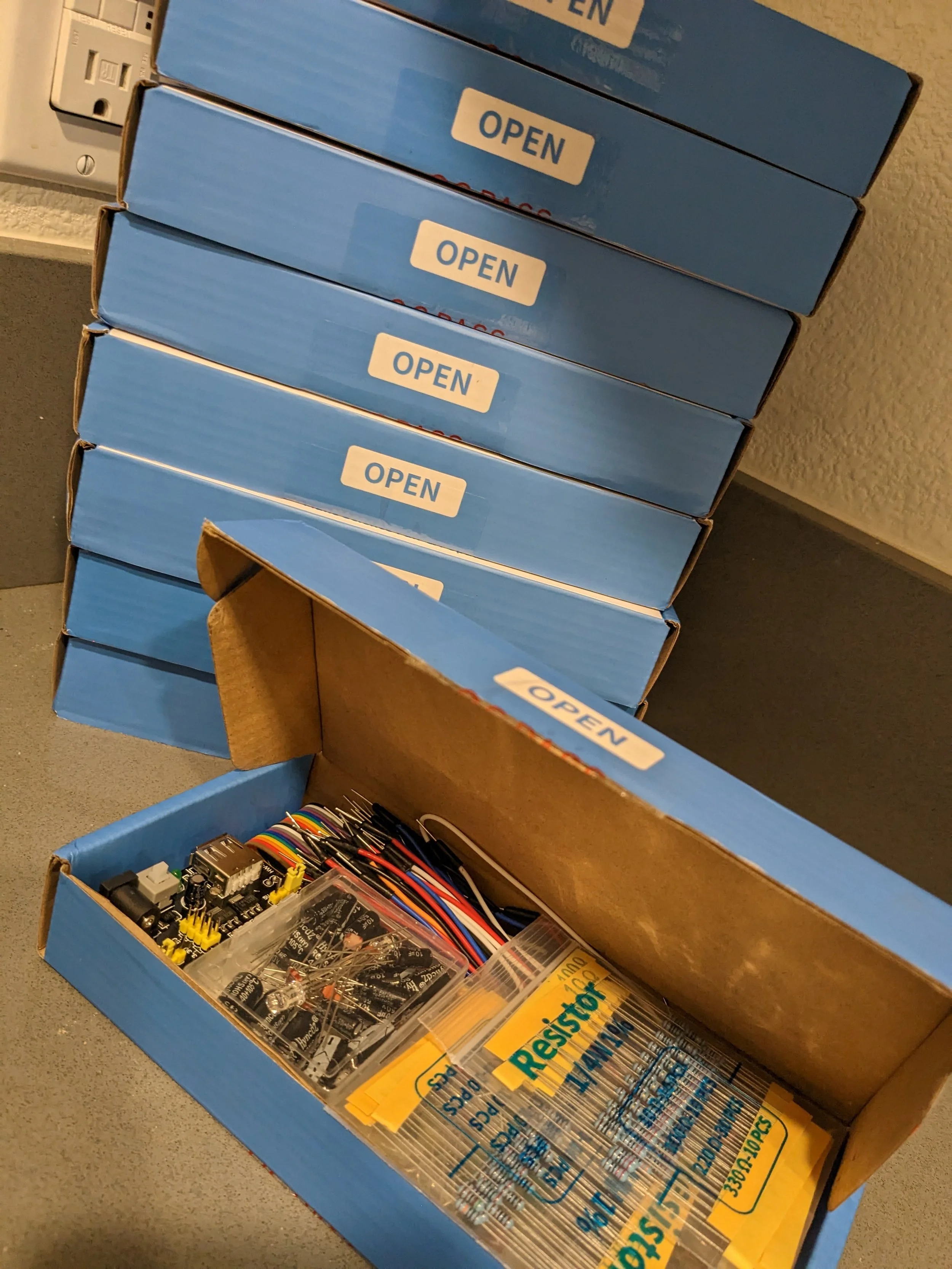
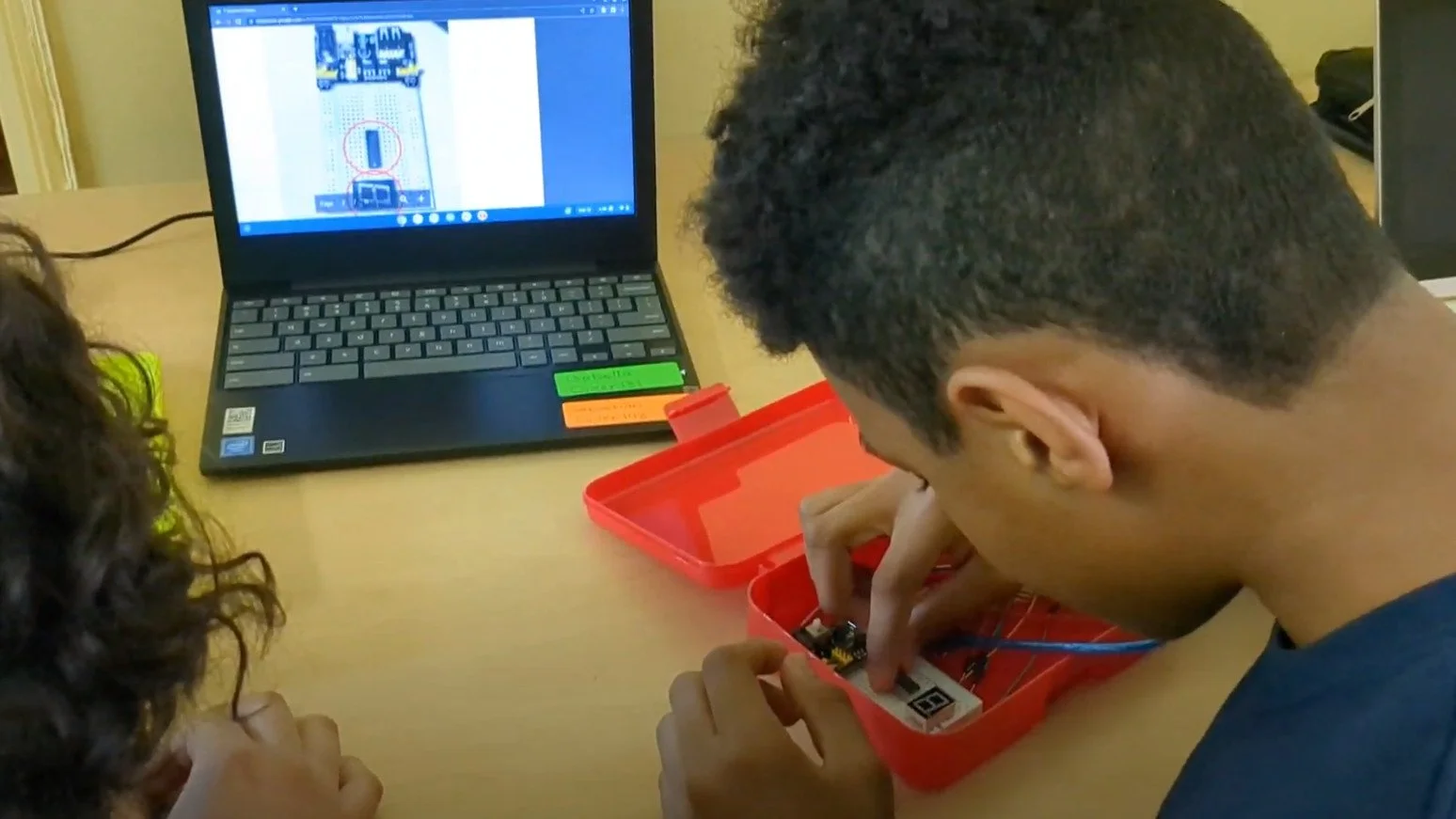
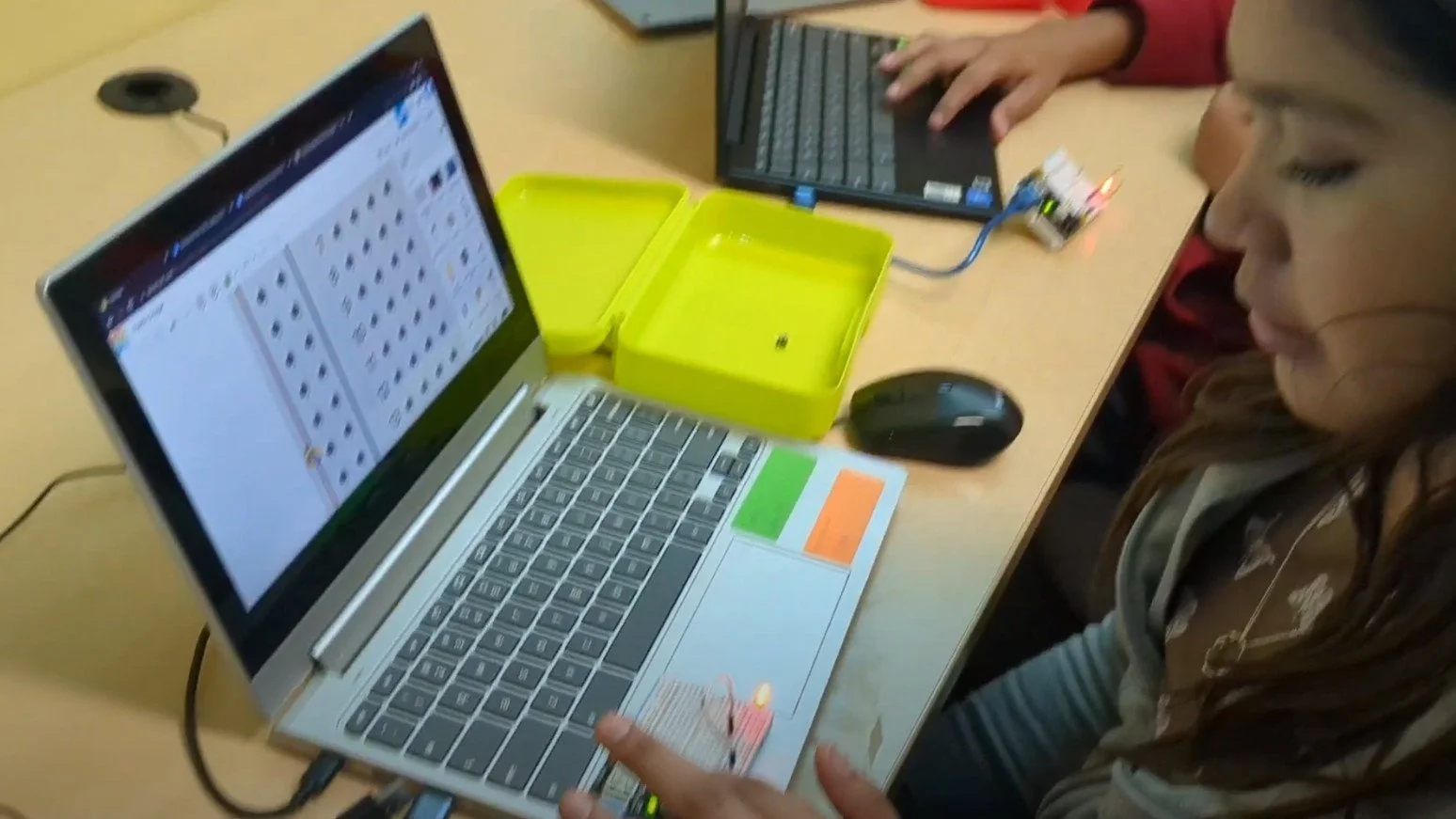
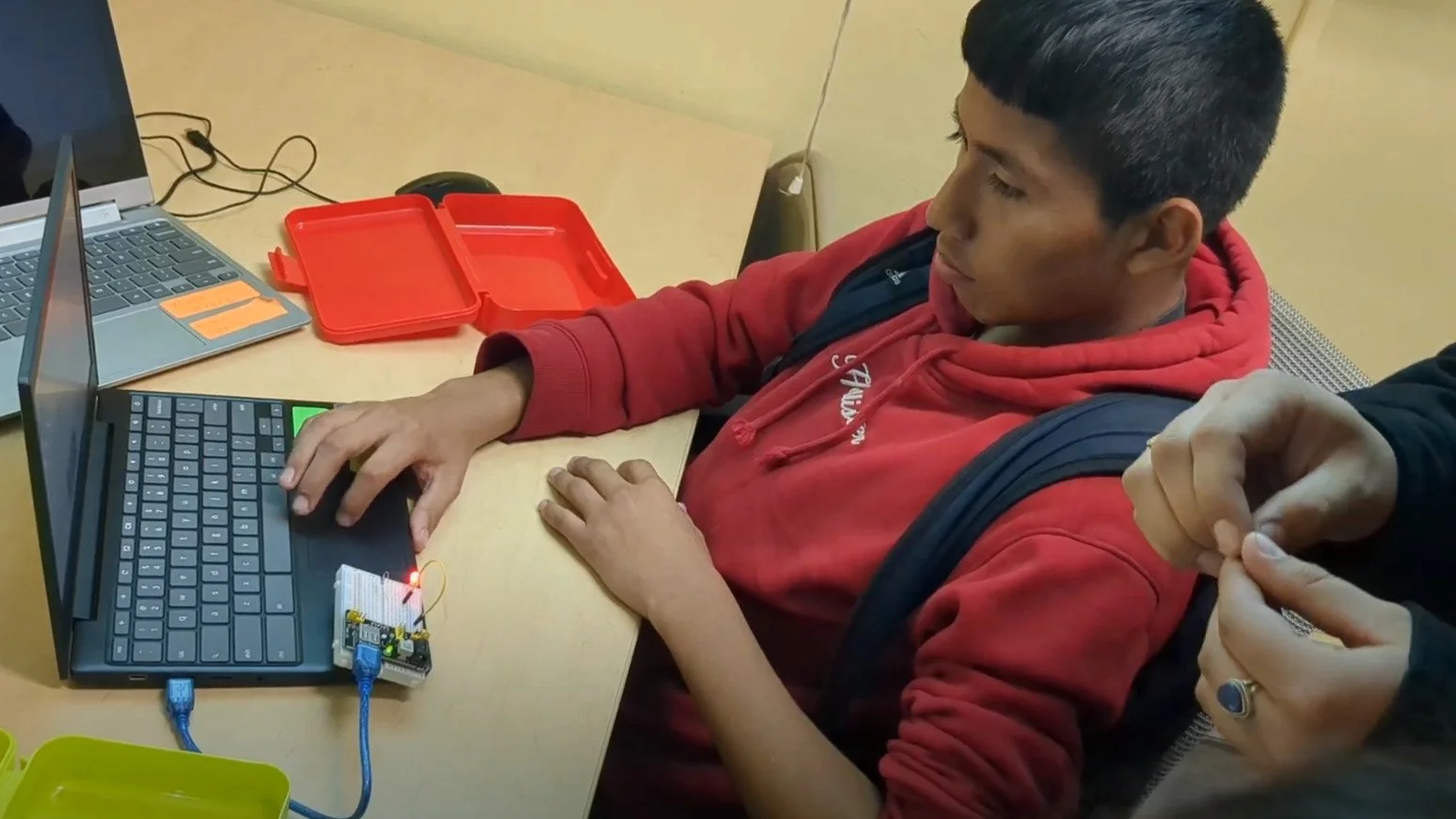
Hosting in-person classes presented us with a valuable opportunity that we eagerly embraced. We introduced circuits; which enabled students to engage in hands-on experiences. Regardless of age, everyone embraced the challenge of wiring schematics. The moment when an LED illuminated, for the first time, created an indelible memory.
To bolster their confidence, we adopted a cautious approach by simulating circuits using the TinkerCAD simulator. By providing a safe and controlled environment, we ensured that students could develop their skills and understanding of electronics while mitigating the risk of burning out chips. This approach helped to alleviate their fears and build a solid foundation of knowledge. It ultimately empowered them to progress towards hands-on circuit building with confidence. To bridge the gap between hardware and software, we introduced the NodeMCU. The NodeMCU served as a pivotal tool. It enabled them to seamlessly integrate hardware components with software programming.
Tinker CAD: https://www.tinkercad.com/
Tinkercad Projects
TinkerCAD is a simulator that allows the creation of virtual circuits and the ability to execute the logical connections.